The property toolkit
Your next move.
Better informed.
From the first site visit to the place you call home.
Practical tools for the decisions that matter.

RIDDRA / FIELDNOTESBuilt around your decisions
A good place to begin
Big decisions. Clearer starting points.
Explore the collection
A toolkit for every chapter.
45 tools for property decisions
Use your inputs. Check the assumptions.01
Purchase
Go into the conversation prepared.
 Illustrative preview
PurchasePrivate Beta
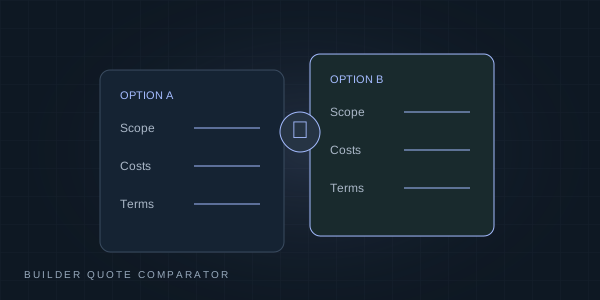
Builder quote comparator
Compare the charges in two quotations, using your own assumptions.
Open tool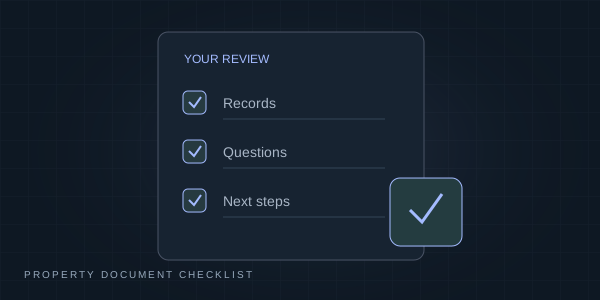 Illustrative preview
PurchasePublic
Property document checklist
Prepare document questions by property type and stage. No private saving or uploads.
Open tool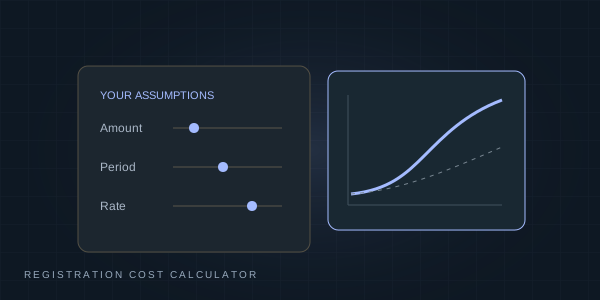 Illustrative preview
PurchasePublic
Registration & acquisition cost
Plan purchase costs using manually confirmed rates and explicit assumptions.
Open tool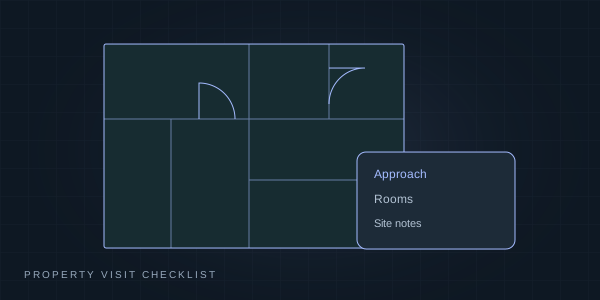 Illustrative preview
PurchasePrivate Beta
Property visit checklist
Keep practical observations together during a site visit.
Open tool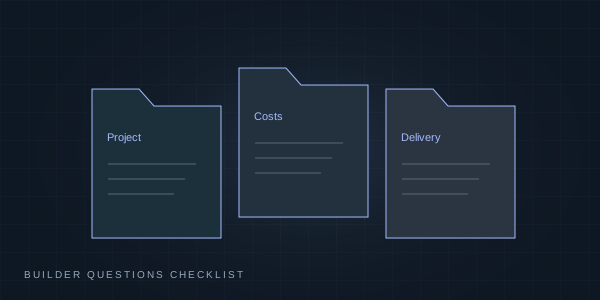 Illustrative preview
PurchasePrivate Beta
Builder questions checklist
Prepare questions about project records, costs and delivery terms.
Open tool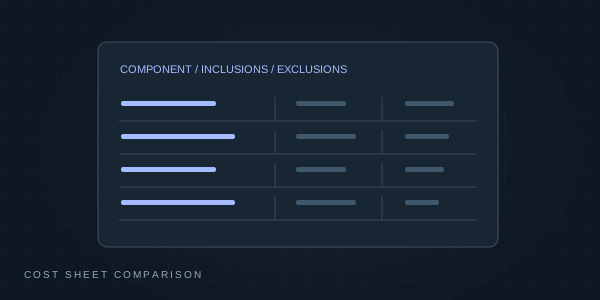 Illustrative preview
PurchasePrivate Beta
Cost sheet comparison
Organise the components of competing developer cost sheets.
Open tool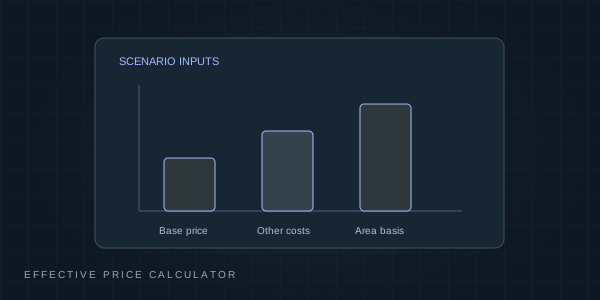 Illustrative preview
PurchasePublic
Effective price
Compare entered prices and area bases with explicit source assumptions.
Open tool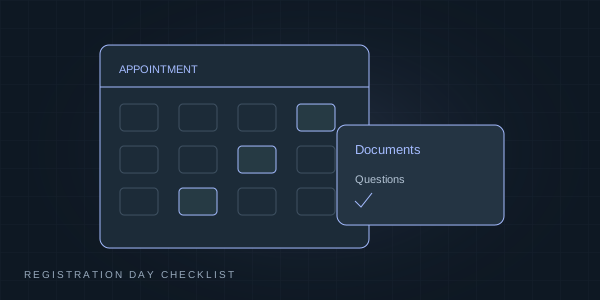 Illustrative preview
PurchasePrivate Beta
Registration day checklist
Organise documents and practical steps for a registration appointment.
Open tool Illustrative preview
PurchasePrivate Beta
Place trade-off comparison
Compare the everyday trade-offs between places using your own inputs.
Open tool Illustrative preview
PurchasePrivate Beta
Shortlist report
Organise a comparison of the properties you are considering.
Open tool Illustrative preview
PurchasePrivate Beta
Delay compensation worksheet
Explore a calculation scenario; applicability needs professional review.
Open toolIllustrative preview
PurchasePublic
Carpet area efficiency
Compare entered area bases and costs. Unknown charges remain unknown.
Open tool02
Finance
See the assumptions behind the numbers.
 Illustrative preview
FinancePublic
Purchase budget planner
Plan entered down payment, fee, reserve and loan scenarios. Confirm rates and lender terms separately.
Open tool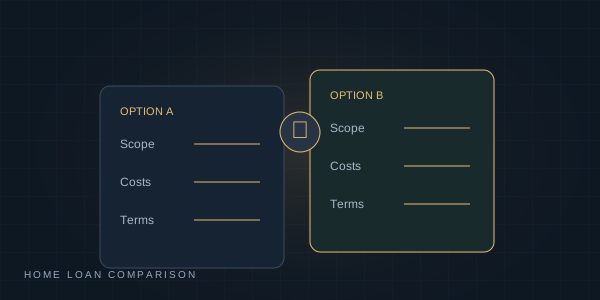 Illustrative preview
FinancePublic
Home loan comparison
Compare entered loan terms, fees and repayment scenarios.
Open tool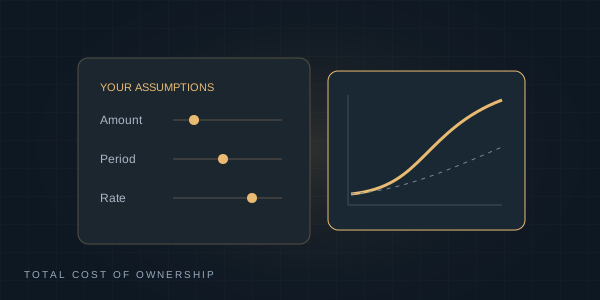 Illustrative preview
FinancePublic
Total cost of ownership
Plan recurring costs and debt cash flows without treating estimates as quotations.
Open tool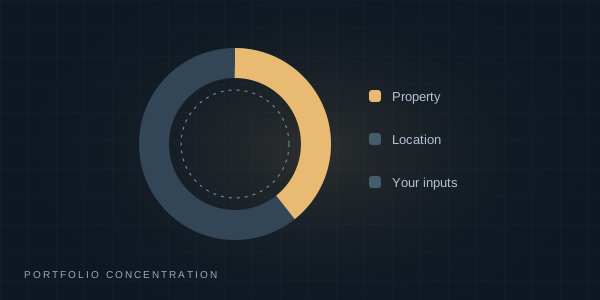 Illustrative preview
FinancePrivate Beta
Portfolio concentration
Explore the distribution of property inputs you provide.
Open toolIllustrative preview
FinancePublic
Home loan EMI & amortization
Explore entered rates, monthly repayments, prepayments and a downloadable schedule.
Open toolIllustrative preview
FinancePublic
Property IRR scenarios
Model dated cash flows and qualified returns using your assumptions.
Open toolIllustrative preview
FinancePublic
Rent versus buy
Compare the costs of renting and buying under editable assumptions.
Open tool03
Land
Start with the ground beneath your plans.
 Illustrative preview
LandPublic
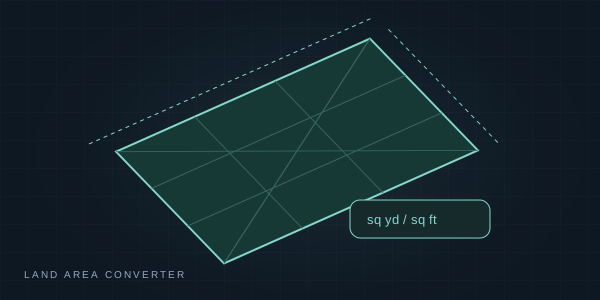
Land area converter
Convert clearly labelled land-area units with explicit regional assumptions.
Open tool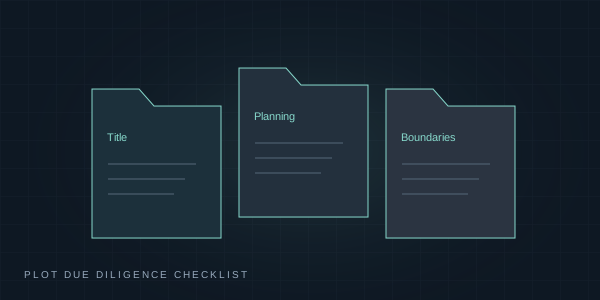 Illustrative preview
LandPrivate Beta
Plot due diligence checklist
Prepare questions about title, planning records and boundaries.
Open tool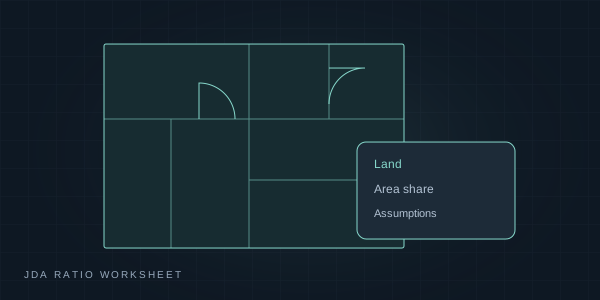 Illustrative preview
LandPrivate Beta
JDA ratio worksheet
Explore area-share assumptions for a professional discussion.
Open tool04
Construction
Bring structure to every stage of the build.
 Illustrative preview
ConstructionPublic
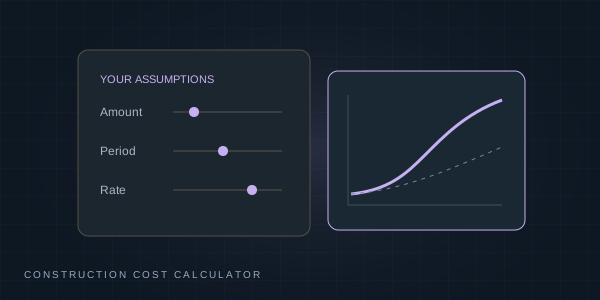
Construction budget
Estimate a planning budget with editable quantities and rates, not a structural design.
Open tool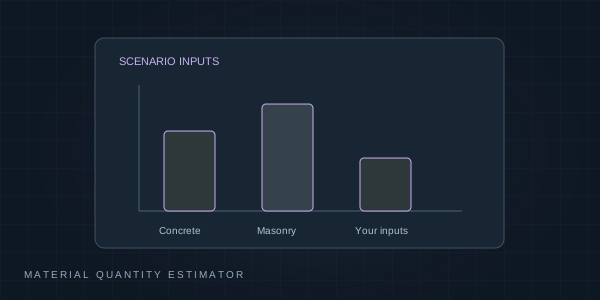 Illustrative preview
ConstructionPublic
Material quantity estimator
Explore qualified thumb-rule quantities, wastage and indicative rates. Not a bill of quantities or engineering approval.
Open tool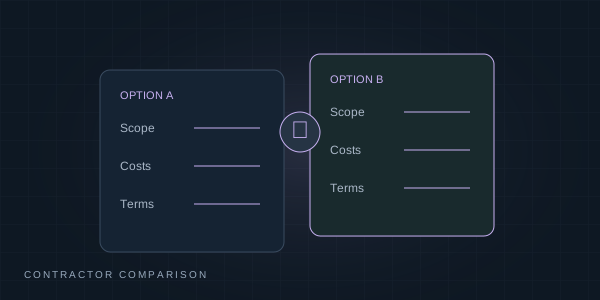 Illustrative preview
ConstructionPrivate Beta
Contractor comparison
Compare quotes alongside included work, exclusions and payment terms.
Open tool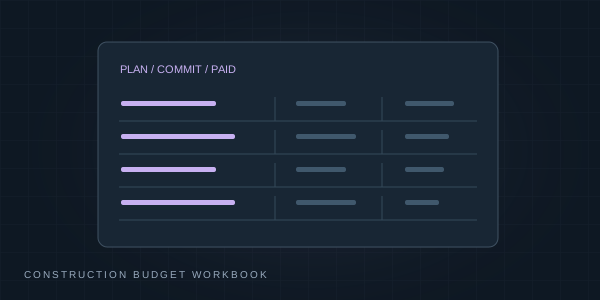 Illustrative preview
ConstructionPrivate Beta
Construction budget workbook
Organise planned costs, commitments and payments by stage.
Open tool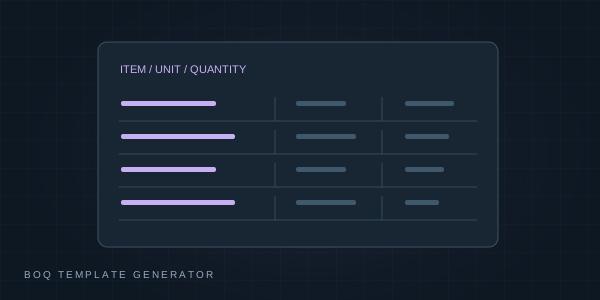 Illustrative preview
ConstructionPrivate Beta
BOQ template generator
Prepare an editable bill of quantities for a construction discussion.
Open tool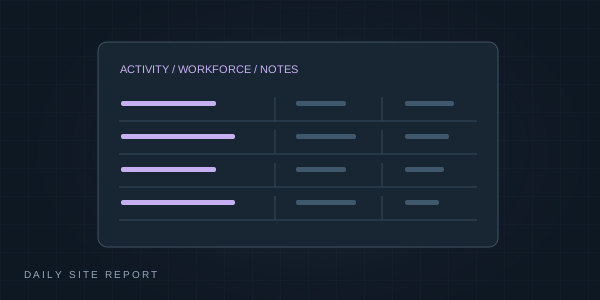 Illustrative preview
ConstructionPrivate Beta
Daily site report
Record daily site activities and workforce observations.
Open tool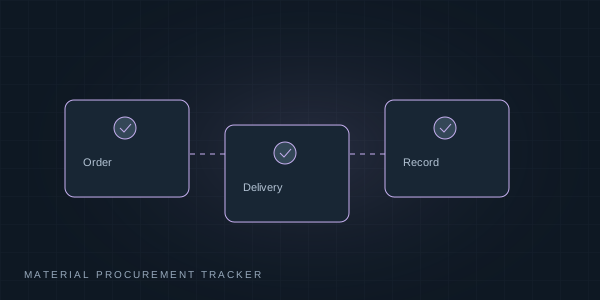 Illustrative preview
ConstructionPrivate Beta
Material procurement tracker
Track material orders, deliveries and payment information you enter.
Open tool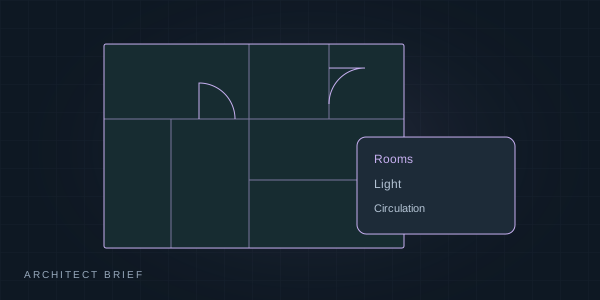 Illustrative preview
ConstructionPrivate Beta
Architect brief
Prepare your requirements for a conversation with an architect.
Open tool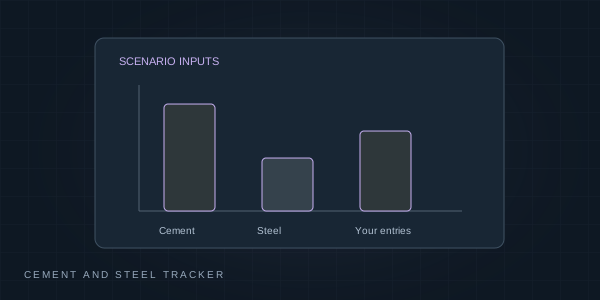 Illustrative preview
ConstructionPrivate Beta
Cement and steel tracker
Record material prices and quantities you enter.
Open tool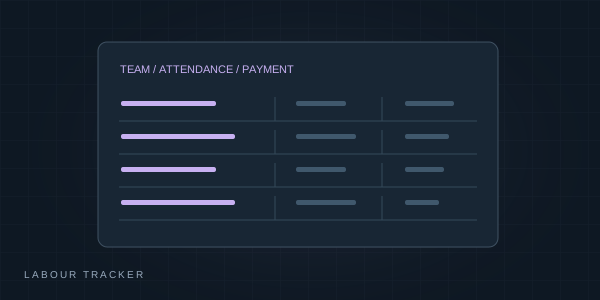 Illustrative preview
ConstructionPrivate Beta
Labour tracker
Record workforce entries and payments for a construction project.
Open tool05
Ownership
Look after the place you call yours.
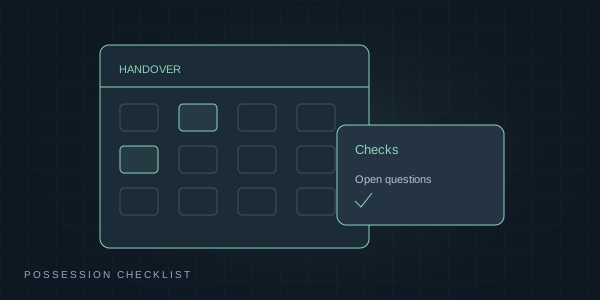 Illustrative preview
OwnershipPrivate Beta
Possession checklist
Organise handover checks and the questions still to resolve.
Open tool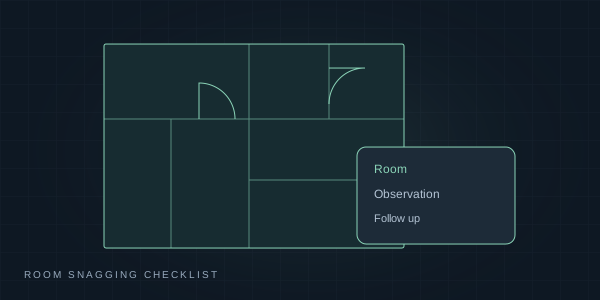 Illustrative preview
OwnershipPrivate Beta
Room snagging checklist
Work through room-level observations before handover.
Open tool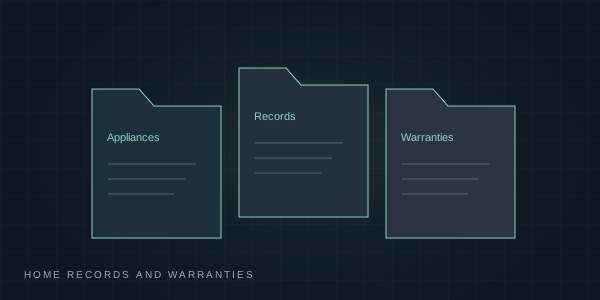 Illustrative preview
OwnershipPrivate Beta
Home records and warranties
Organise appliance and home warranty details you enter.
Open tool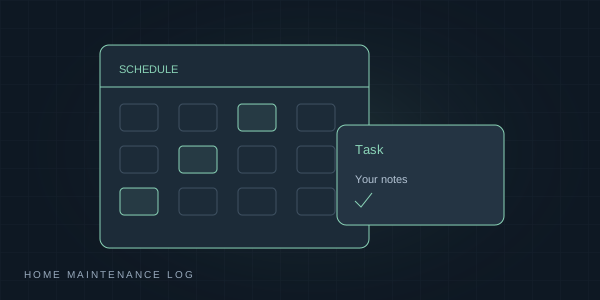 Illustrative preview
OwnershipPrivate Beta
Home maintenance log
Keep track of maintenance work and upcoming tasks.
Open tool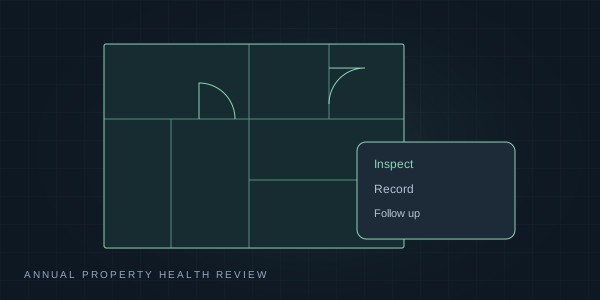 Illustrative preview
OwnershipPrivate Beta
Annual property health review
Review practical property upkeep and record gaps.
Open tool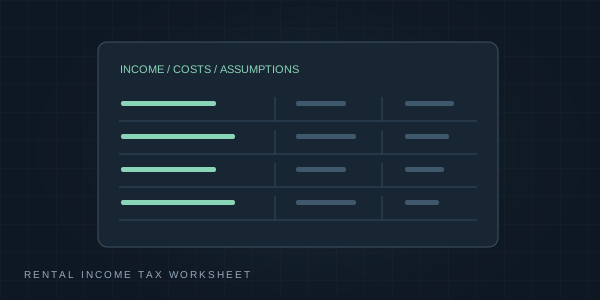 Illustrative preview
OwnershipPrivate Beta
Rental income tax worksheet
Explore rental-income tax scenarios using your inputs; confirm applicability separately.
Open tool06
Rentals
Keep the practical side of renting in order.
 Illustrative preview
RentalsPrivate Beta
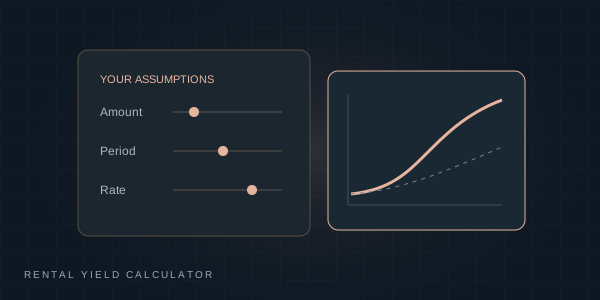
Rental yield calculator
Explore rental returns with your own costs and vacancy assumptions.
Open tool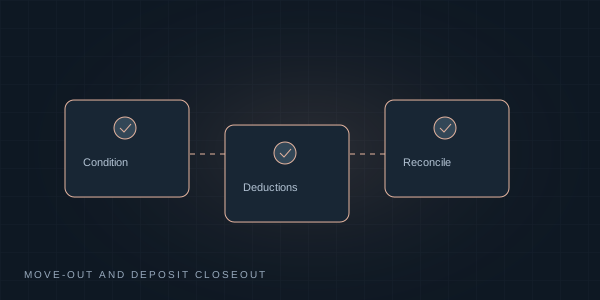 Illustrative preview
RentalsPrivate Beta
Move-out and deposit closeout
Organise condition notes, agreed deductions and deposit reconciliation.
Open tool Illustrative preview
RentalsPrivate Beta
Shared home expense splitter
Split household expenses using the shares you choose.
Open tool Illustrative preview
RentalsPrivate Beta
Commercial lease yield
Explore a lease scenario using your own rent and cost assumptions.
Open tool07
Research
Give every observation a source and a date.
08
Planning
Make room for your next chapter.
The context behind the calculation
Tools help you explore.
Good questions take you further.
Explore knowledge & insights Designed for considered decisions.
Illustrations explain each tool’s purpose; they are not live results. Estimates and checklists support preparation and do not replace legal, tax or technical advice.